Quick answer
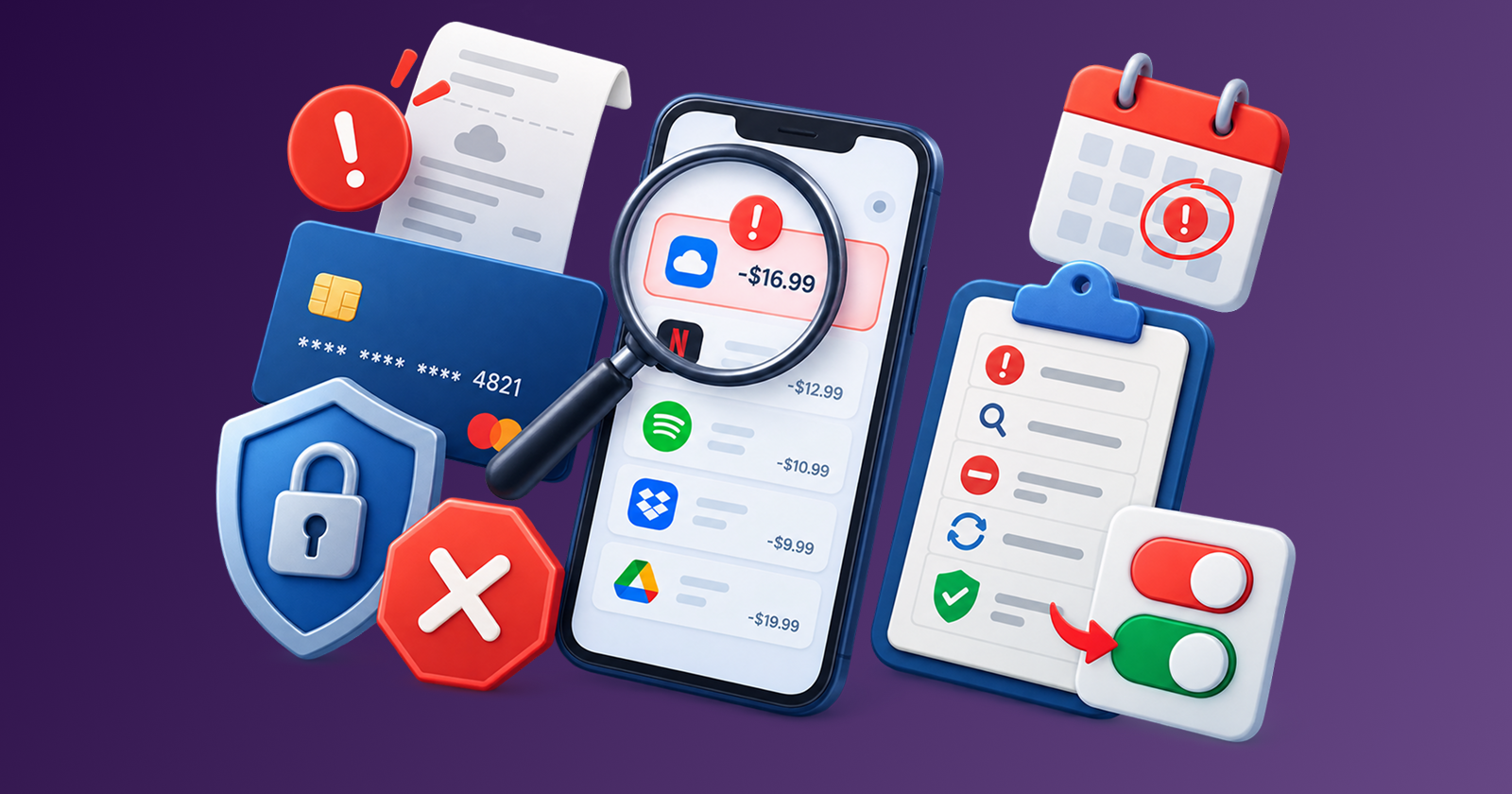
Use this step-by-step cancellation checklist to cancel subscriptions cleanly, avoid rebilling, and keep proof in case a charge appears again.
Most people put off cancelling subscriptions not because they want to keep paying, but because the process feels messy. Which account holds your data? Will the charge still go through? Did the cancellation actually work? The uncertainty adds friction, and companies know it.
Stay Updated with Subtrakr
Sign up to our newsletter to get updates about Subtrakr and valuable insights about subscriptions and recurring expense management.
This guide removes that friction. Follow the checklist below and you will cancel cleanly, protect yourself from rebilling, and never wonder if a cancellation actually went through.
Cancelling a subscription correctly takes about 10 minutes per service when you have a process. The key steps: audit what you will lose before you cancel, complete the cancellation through the official channel, save proof, and verify no further charges appear. This checklist covers each step so nothing slips through.
If the cancellation flow feels intentionally harder than sign-up, that is often a subscription dark pattern. The broader guide to subscription dark patterns and how to protect yourself explains why proof, screenshots, and written confirmation matter so much.
Before You Cancel: What's the Right Move?
Not every subscription you are unhappy with should be cancelled outright. Running a quick triage first saves you from cancelling something you will regret or missing a better option. If you have several candidates but no urgency to act today, build a cancellation backlog first—a ranked, scored cut list—so this checklist handles execution, not panic decisions made the moment a bill lands.
Ask yourself these three questions before hitting cancel:
- Export first? Does this service hold data you will need? (Documents, history, contacts, receipts, design files.) Download or export before your access ends.
- Downgrade instead? Many services have a free tier or a cheaper plan. If you use it occasionally, downgrading is better than paying full price or losing access entirely.
- Pause instead? Some subscriptions, especially fitness apps, news sites, and creative tools, offer a pause option. If your reason for cancelling is temporary (travel, budget crunch, project gap), pausing keeps your account history intact.
Only after this triage should you move to the cancellation itself. If a recent price hike is what triggered the decision, run What to Do When a Subscription Price Increases: Keep, Downgrade, Switch, or Pause first, then use this guide for execution.
The Cancel Subscription Checklist (Step-by-Step)
Time required: 10-15 minutes per subscription
Step 1: Find the billing details
Log in to the service and navigate to billing or account settings. Note the next renewal date, the billing amount, and which payment method is charged.
Step 2: Export your data
If the service holds anything you will want later - receipts, files, history, contacts - download it now. Access ends when the subscription ends.
Step 3: Cancel through the official channel
Always cancel within the app or website, not just by removing your payment method. Cancelling payment alone does not end the contract; it can trigger failed payment fees or collections.
Step 4: Complete any cancellation flow
Many services add friction: surveys, "are you sure?" screens, retention offers. Click through to the final confirmation. You have not cancelled until you see a confirmation message or receive a confirmation email.
Step 5: Save proof of cancellation
Screenshot the confirmation screen. Forward the confirmation email to a dedicated folder. Note the date.
Step 6: Check for a pro-rated refund or end-of-period access
Most subscriptions remain active until the end of the billing period. Know when access ends so you are not surprised.
Step 7: Remove your payment method (optional but recommended)
Once confirmed cancelled, removing your saved card or PayPal from the account prevents any accidental future charges. Especially useful for services with aggressive win-back campaigns.
Copy-Ready Cancellation Checklist
SUBSCRIPTION CANCELLATION CHECKLIST
Service name: ___________________
Renewal date: ___________________
Monthly / Annual cost: ___________________
Payment method: ___________________

PRE-CANCEL
[ ] Data exported (if needed)
[ ] Downgrade or pause considered
[ ] Cancellation policy checked

CANCELLATION
[ ] Cancelled via official app/website
[ ] Confirmation screen captured (screenshot)
[ ] Confirmation email saved
[ ] Cancellation date noted: ___________________
[ ] Access end date noted: ___________________

POST-CANCEL
[ ] Payment method removed from account
[ ] Checked bank/card statement after next billing date
[ ] No unexpected charge confirmed
[ ] Dispute filed (if charged after cancellation): Y / N
How Do I Get Proof of Cancellation?
Proof of cancellation is your protection if a company charges you after you have cancelled. Without it, disputes take longer and sometimes fail.
Three things count as valid proof:
- Confirmation email from the service stating your subscription has been cancelled, with a date
- Screenshot of the in-app cancellation confirmation screen (include the date/time stamp visible on your device).
- Chat or support transcript if you cancelled via customer service
Save these in a folder labelled by service name and date. If you are ever charged again, you have everything ready for a bank dispute or chargeback request.
If you are disputing a charge: contact your bank or card provider directly. Provide the date of cancellation, the charge date, and your proof. Most banks resolve these within 5-10 business days when documentation is clean.
Post-Cancel Follow-Up: How to Confirm No Rebilling
Cancellation confirmation is not the end of the process. Companies make mistakes, and some make intentional ones.
Within 3-5 days after cancellation:
- Check that your payment method was not charged after the cancellation date
- If you receive a renewal email, cross-reference against your saved confirmation
On your next billing statement:
- Scan for the cancelled service's name or any charges from the same amount
- Flag anything unexpected immediately; the sooner you dispute, the easier the resolution
Remove the subscription from your active tracker: if you track recurring expenses (you should), mark this subscription as cancelled with the date. This prevents it from cluttering your active spend view and gives you a clean record if questions arise later.
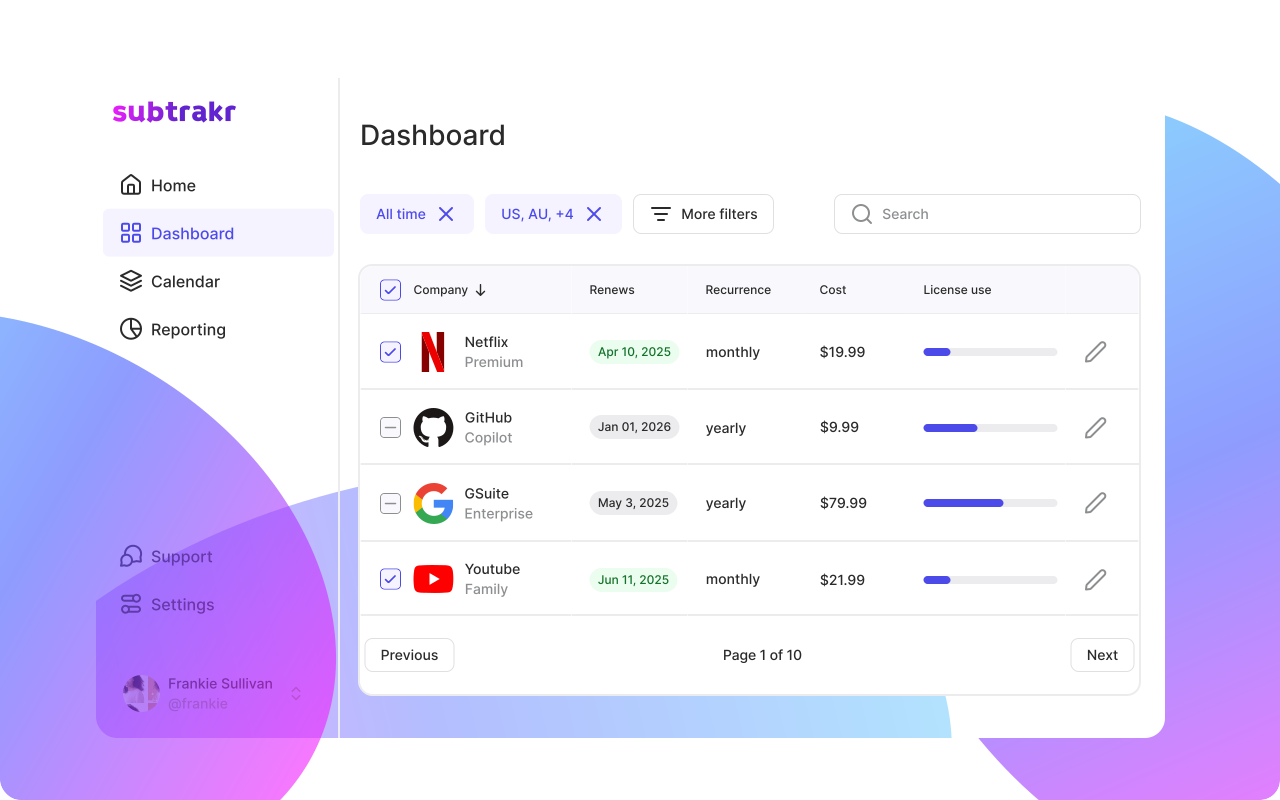
If you are not already tracking your subscriptions in one place, this is the moment it becomes obvious why you should. Subtrakr keeps a full history of active, paused, and cancelled subscriptions so nothing gets lost.
Common Mistakes That Make Cancellations Messy
Cancelling only the payment method, not the subscription
Removing your card does not cancel the service. The account stays active, the company may retry the charge on a different method if you have one saved, or send the balance to collections.
Not saving proof
If the charge appears again a month later, "I cancelled it" is not enough. The screenshot takes 10 seconds and eliminates the argument.
Forgetting annual subscriptions
Monthly charges are easy to spot. Annual ones sneak up. If you cancel a monthly subscription but miss an annual one for the same product family (common with software suites), you have solved the smaller problem and missed the bigger one. This is exactly the kind of cost that subscription overload makes invisible.
Cancelling mid-cycle without checking refund policy
Some services refund unused time, most do not. Knowing this before you cancel helps you time it correctly, especially for annual plans.
Using a free trial and assuming it auto-cancels
It does not. Every free trial that requires a credit card will convert to paid unless you explicitly cancel before the trial ends. For prevention-first trial timing, use How to Avoid Free Trial Traps: A Calendar-First System That Stops Surprise Charges.
FAQ
How do I cancel a subscription if I cannot find the cancel button?
Check the service's help center for "cancel subscription"; most have a direct article. If not, contact support via chat or email and request cancellation in writing. Save the transcript. As a last resort, contact your bank to block future charges, but also formally cancel through the service.
Can I cancel a subscription and still use it until the end of the billing period?
Yes, in most cases. Cancelling stops the next renewal but keeps access active until the current paid period ends. Confirm this in the cancellation flow or check the service's terms.
What should I do if I am charged after I cancelled?
Treat it as a subscription incident: screenshot the charge, contain further billing, then ask the merchant for a refund with your cancel proof. If they refuse, file a chargeback with your bank and attach that evidence pack.
Is it safe to just remove my card to stop a subscription?
No. This creates a failed payment, not a cancellation. It can lead to account suspension, late fees, or the charge being retried later. Always cancel through the official process.
How do I keep track of which subscriptions I have cancelled?
Maintain a simple log - even a spreadsheet column - with the service name, cancellation date, and confirmation reference. Or use a tool like Subtrakr, which tracks both active and cancelled subscriptions with dates.
Do annual subscriptions refund if I cancel early?
It depends on the provider. Some offer pro-rated refunds, most do not. Check the refund policy before cancelling an annual plan; timing your cancellation near renewal is often more cost-effective.
Run the Checklist This Week
Pick one subscription you have been meaning to cancel. Open this checklist, work through it, and it is done in under 15 minutes. Then check your bank statement on the next billing date to confirm.
Once you have cancelled the obvious ones, a full audit usually reveals more.
Stay Updated with Subtrakr
Get practical tips on managing recurring expenses, no filler, just useful. Join the Subtrakr newsletter.